
Matrix Motion Essentials
$29 USDReadable movement for real LED matrices.
68 distinct designs
AVIMP4SWF
10 native layouts · up to 256×256EXPLORE BY EFFECT TYPE
Compare LED matrix animations for panels, square displays and wide banners. See native sizes, real previews, formats, prices and included editor access.
Readable movement for real LED matrices.

60 LED panel designs in six palettes and ten sizes.

Sharp geometry with luminous color and deliberate rhythm.

52 LED panel designs in six palettes and ten sizes.

68 panel-ready motion effects in six palettes and eleven sizes.
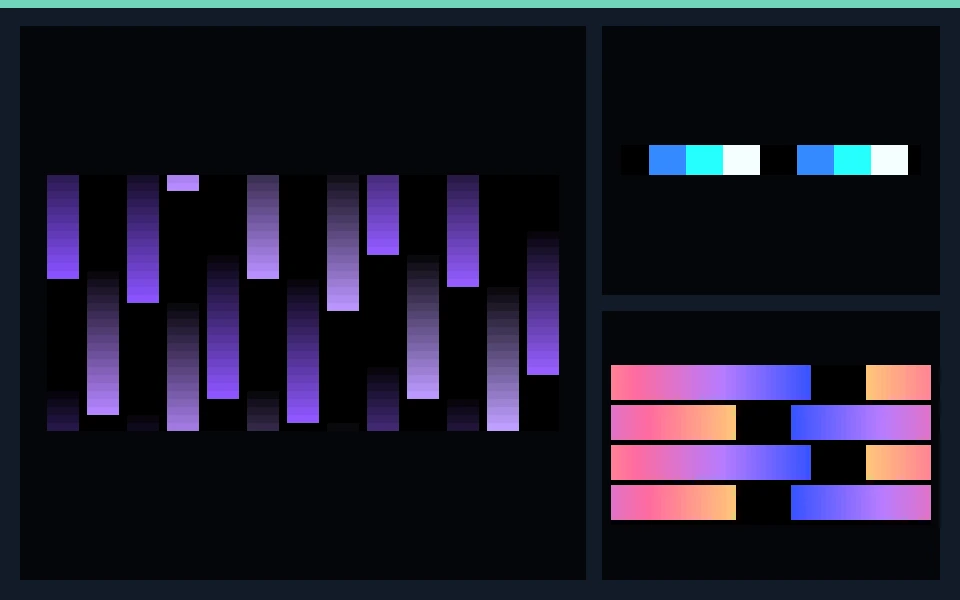
9 collections with 590 distinct designs.
Check the native dimensions, formats and frame rates on each product page. LED panel, strip and wall compositions have separate layouts. The included editor can customize rendered colors, speed and geometry; your mapping software still determines the controller workflow.
Browse the full library ↗BUYING GUIDE
LED matrix animations work best when the source composition matches the shape of the physical panel. A wide 128×16 banner needs broad horizontal travel and repeated motifs; a 64×64 or 128×128 square can support centered geometry, radial motion and larger silhouettes. The packs below provide separately rendered native layouts instead of relying on one video being stretched across every display.
Matrix Motion Essentials is the starting point for bold, readable movement: arrows, chevrons, lanes, gates, sweeps and chases designed around an integer LED grid. It suits DJs, stage builders, shop displays and installers who need motion that remains recognizable at real pixel resolution.
Fire & Energy focuses on flame, electric motion, pulses and high-energy fields. Choose it when the display needs a more organic or intense look rather than hard-edged graphic shapes.
Neon Geometry uses clean geometric rhythm, while Ambient Architecture is calmer and better suited to lounges, retail interiors and continuous installations. LED Panel Flows & Patterns adds broad gradients, flowing bands and repeating panel motion.
The Pixel LED Complete Collection is the value option when one project also needs strips, seasonal scenes or LED wall footage. Its product page lists exactly which packs are included and the verified bundle price.
Open each product page before buying and compare the listed native resolutions with your layout. Current matrix deliveries include banner, rectangular and square compositions such as 32×8, 64×16, 64×32, 64×64, 128×16, 128×32, 128×64 and 128×128 where applicable. Not every shape should be forced into every resolution, so the product specifications are the source of truth.
LED deliveries use 25 FPS and black effect backgrounds. Formats and codecs are listed on each product page. AVI and rendered SWF preserve native LED dimensions; MP4 may use a documented transport canvas for layouts that video encoders cannot represent reliably at tiny sizes. The logical pixel dimensions remain clearly identified.
Every paid pack includes the Windows Pixel LED Effects Editor. Use it to preview a rendered effect, adjust color, brightness or speed, and export an edited copy while leaving the original file untouched. It is useful for adapting a strong motion pattern to a show palette without rebuilding the animation from scratch.
The editor and animation files do not configure a controller automatically. Your mapping or playback application still determines wiring order, output mapping and controller export. For a practical overview, read the installation and import guide.
For a single row of pixels, do not use a matrix pack—browse LED strip chasers instead. For full-HD stage screens and video walls, compare LED wall visuals and VJ loops.