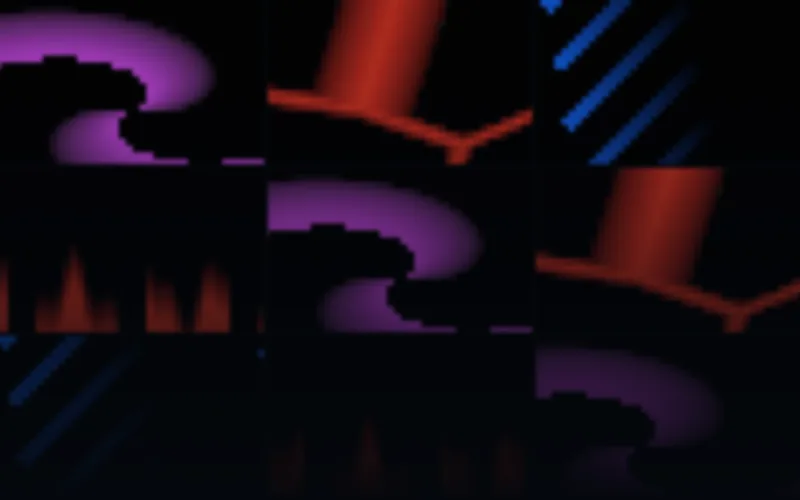
Fire & Energy
$29 USD60 LED panel designs in six palettes and ten sizes.
60 distinct designs
AVIMP4SWF
10 native layouts · up to 256×256EXPLORE BY EFFECT TYPE
Bold fire, sparks and electric motion for LED panels. Browse rendered pixel animation with curated colors and native small-display compositions.
60 LED panel designs in six palettes and ten sizes.
Previews
Check the native dimensions, formats and frame rates on each product page. LED panel, strip and wall compositions have separate layouts. The included editor can customize rendered colors, speed and geometry; your mapping software still determines the controller workflow.
Browse the full libraryBUYING GUIDE
Fire and electricity are the fastest way to make a small LED panel feel like an event. The trick is silhouette: flames, sparks and electrical arcs read at 64×32 only when the shapes stay simple and the background stays black. The pack below is rendered natively at panel resolution instead of reusing large video footage.
Fire & Energy ships 60 designs in six palettes and ten native sizes, from 32×8 to 256×256: flame ecology, arc architecture, firework gardens, ember rivers, energy topography, shockwaves, vortex reactors, solar coronas, molten cells and meteor showers, plus vertical fire jets, climbing electric ladders, ember fountains and traveling fireballs. Choose it for stages, props, DJ booths, Halloween events and any display that should look hot or electric rather than graphic.
If you want clean shapes at the same intensity, use Neon Geometry. For arrows, lanes, gates and deliberate graphic motion, Matrix Motion Essentials; for seasonal scenes, Christmas and Halloween LED effects, which includes its own flames and candlelight.
Deliveries use 25 FPS and black effect backgrounds, with native layouts listed on the product page. AVI and rendered SWF preserve the exact LED dimensions; MP4 may use a documented transport canvas for very small sizes. Check the codec your playback application accepts before ordering.
Every paid pack includes the Windows Pixel LED Effects Editor. Load an effect, turn a warm fire into ice, monochrome or a custom gradient, and export the copy while the original stays untouched. It is the quickest way to bring a fire effect into a brand palette or a specific show look.
For a single row of pixels, do not use this pack: browse LED strip chasers. For large screens, compare LED wall visuals and VJ loops.