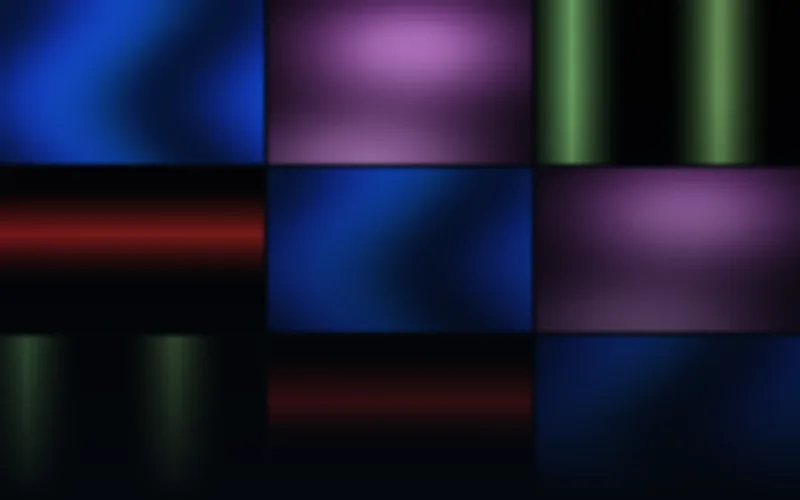
Ambient Architecture
$19 USD52 LED panel designs in six palettes and ten sizes.
52 distinct designs
AVIMP4SWF
10 native layouts · up to 256×256EXPLORE BY EFFECT TYPE
Soft movement, broad gradients and restrained light for architectural LED installations. Explore native panel layouts and rendered color flows.
52 LED panel designs in six palettes and ten sizes.
Previews
Check the native dimensions, formats and frame rates on each product page. LED panel, strip and wall compositions have separate layouts. The included editor can customize rendered colors, speed and geometry; your mapping software still determines the controller workflow.
Browse the full libraryBUYING GUIDE
Ambient LED work is less about one bold effect than about the room staying comfortable while people are in it. Slow gradients, breathing fields and soft ribbons should catch the eye only in passing, so the motion needs low contrast, generous dark space and no hard cuts. The pack below renders every layout natively for the pixel panel instead of scaling one master video across different screens.
Ambient Architecture collects 52 designs in six palettes across ten native sizes, from 32×8 banners to 256×256 squares. It covers aurora fields, liquid color pools, ribbons, ocean ripples, bokeh, quiet mandalas and traveling sunset disks: motion that can stay on screen for an evening without reading as a loop. Use it for hotel lobbies, bars, offices, retail interiors and long-running installations.
LED Panel Flows & Patterns takes the same restrained color language further into repeating bands and panel-wide wipes; Neon Geometry is the choice when the space needs crisper, more graphic shapes.
All 52 designs are delivered at 25 FPS with black effect backgrounds and native banner, rectangular and square layouts. AVI and rendered SWF keep the exact LED dimensions; MP4 may use a documented transport canvas where encoders cannot represent tiny sizes reliably, so compare the resolutions listed on the product page with the real shape of your panel before ordering.
Every paid pack includes the Windows Pixel LED Effects Editor. Preview a rendered effect, lower brightness or saturation, and export an adjusted copy without touching the original. That makes it practical to soften a gradient until it suits a specific installation instead of hunting for another pack.
For tighter, higher-contrast animation on small panels, compare LED matrix animations. For full-HD screens and media servers, see LED wall visuals and VJ loops.