Free with every paid pack and bundle
Pixel LED
Effects Editor
Load an effect, make it yours and save a new version. Change colors, adjust motion and fit the result to your display.
Included at no extra cost with every paid pack. For Windows 10 and 11.
Browse effect packsEditor
 Included with every paid pack
A look inside the app
From an original effect to your own version.
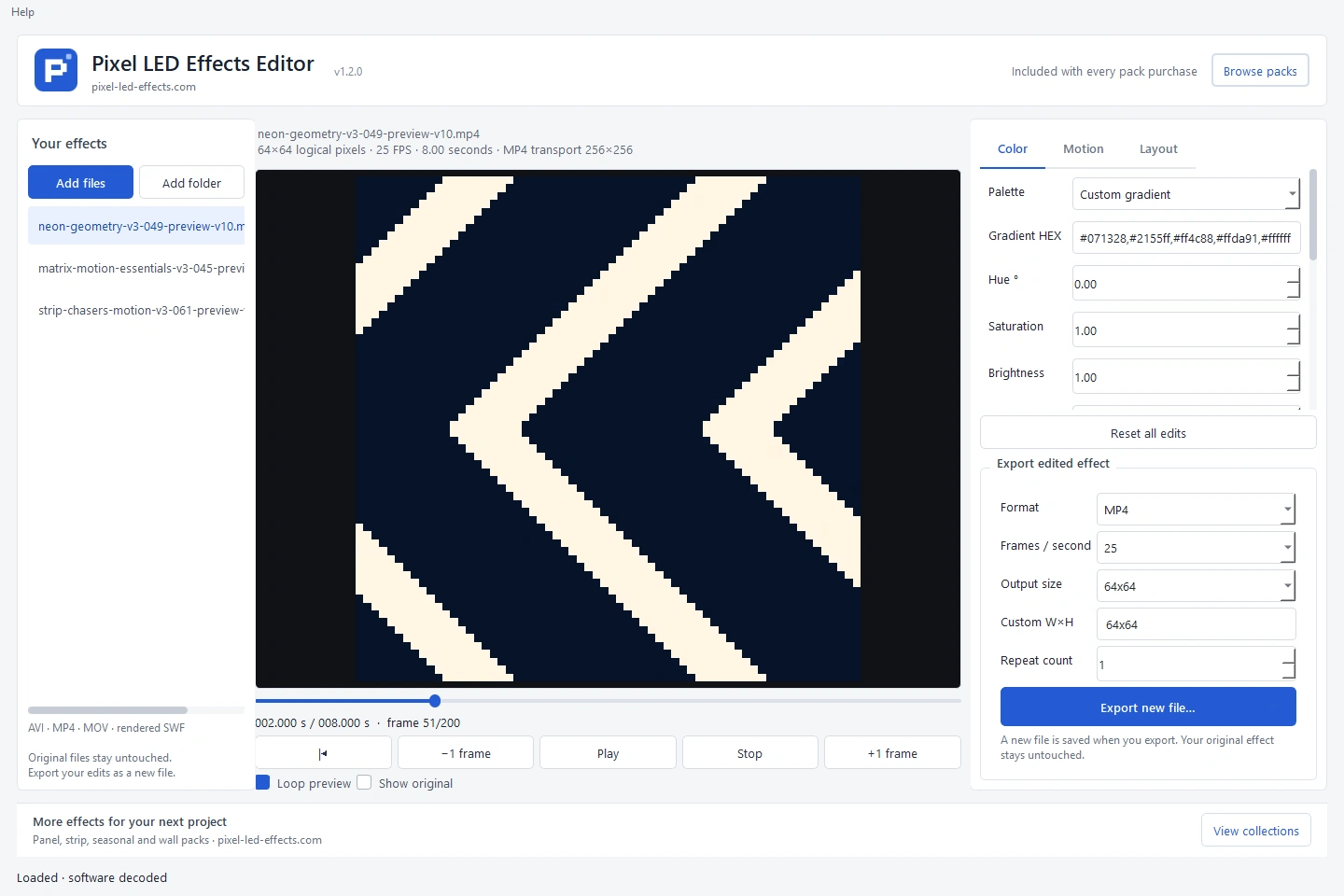
These are actual screenshots of the white editor using an included Neon Geometry effect. Choose a step to see its controls.
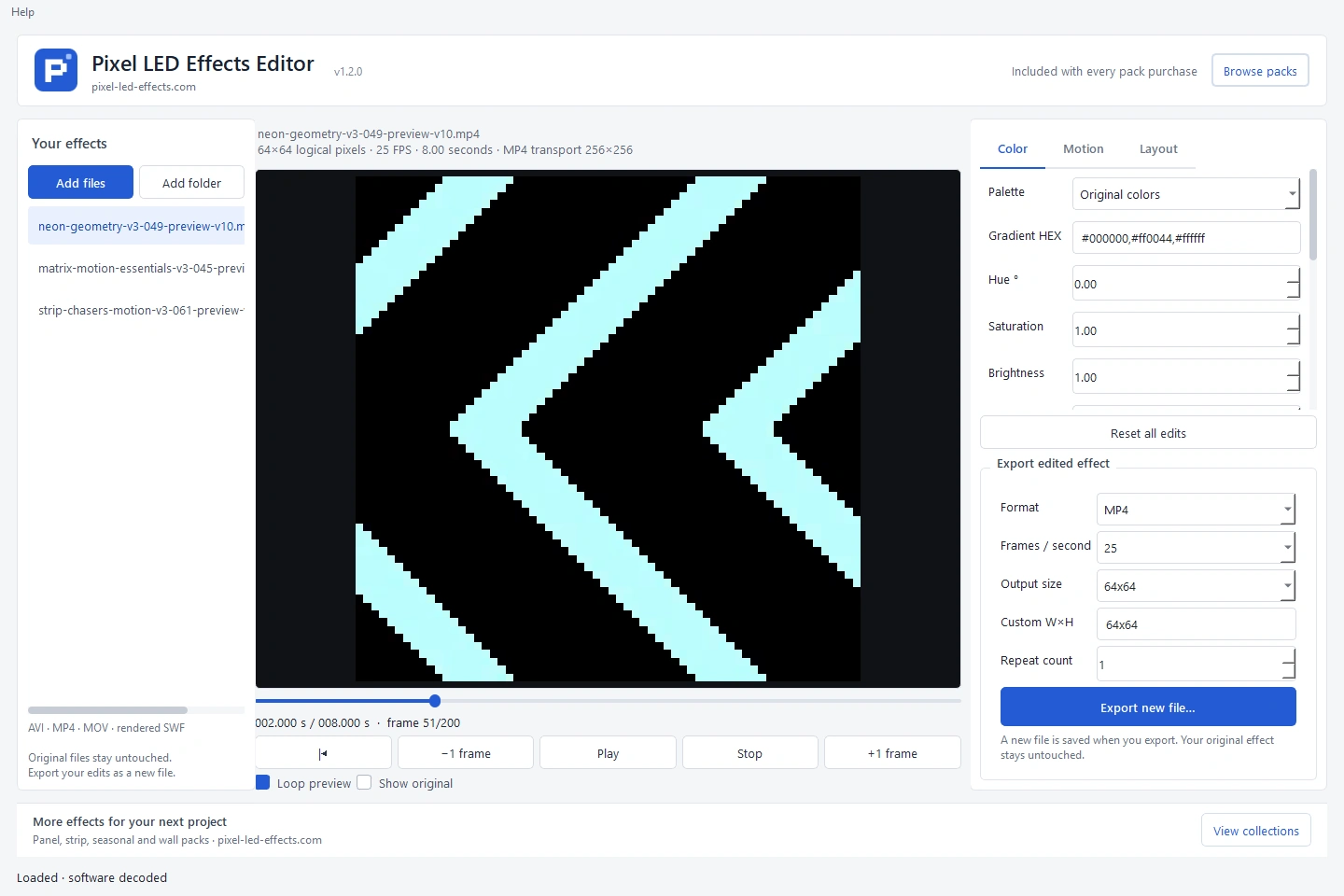
Add your files to the library.
Use Add files or Add folder, then select an animation. The center preview and timeline show the original effect.


An actual saved example
See what the edits produce.
This example was exported by the editor with a custom gradient, reverse playback and 2× speed. The original eight-second effect becomes a four-second edited file.
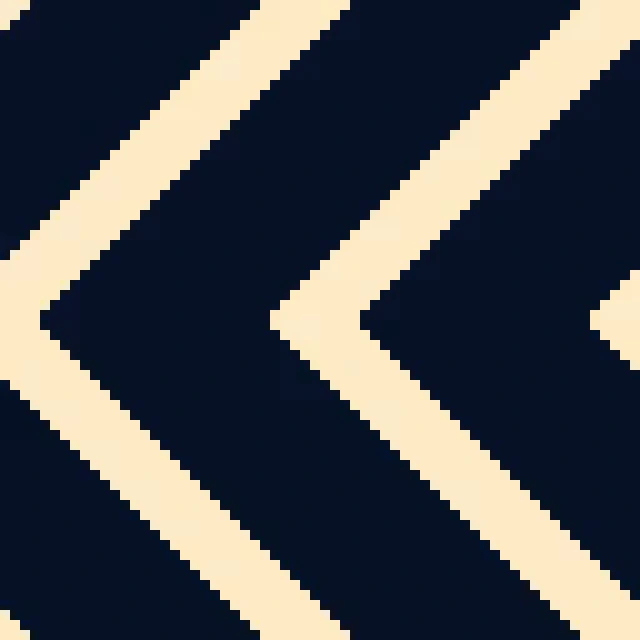
Your original stays untouched.
The editor writes a new file when you export. This saved example uses MP4 at 25 FPS, with a 64×64 logical LED layout.
View Neon Geometry previewsColors and gradients
Choose from 32 palettes, use grayscale or enter your own HEX gradient. Adjust hue, saturation, brightness, contrast and tint.
Motion and timing
Set speed from 0.25× to 4×, reverse playback, trim a clip or create a ping-pong loop. Preview the result before saving.
Layout and export
Crop, rotate, flip and resize. Load AVI, MP4, MOV or supported rendered SWF, then choose the format and dimensions for your export.
Start with a pack you like.
- Download your purchase and open Pixel LED Effects Editor from its Software folder.
- Use Add files or Add folder and select an animation from the library.
- Adjust its colors, motion or layout. Use Show original to compare your changes.
- Choose an export format, frame rate and output size, then click Export new file….
The app edits rendered animation files. Interactive and vector Flash files are unsupported. Import and pixel mapping depend on your display software and controller; test your own workflow before a show.
The box illustration represents digital software. No physical item is shipped.