Pixel LED Complete Collection
$149 USDSave $94 vs $243 separately
9 collections with 590 distinct designs.
590 distinct designs
AVIMP4SWFMOV
9 packs · 590 designs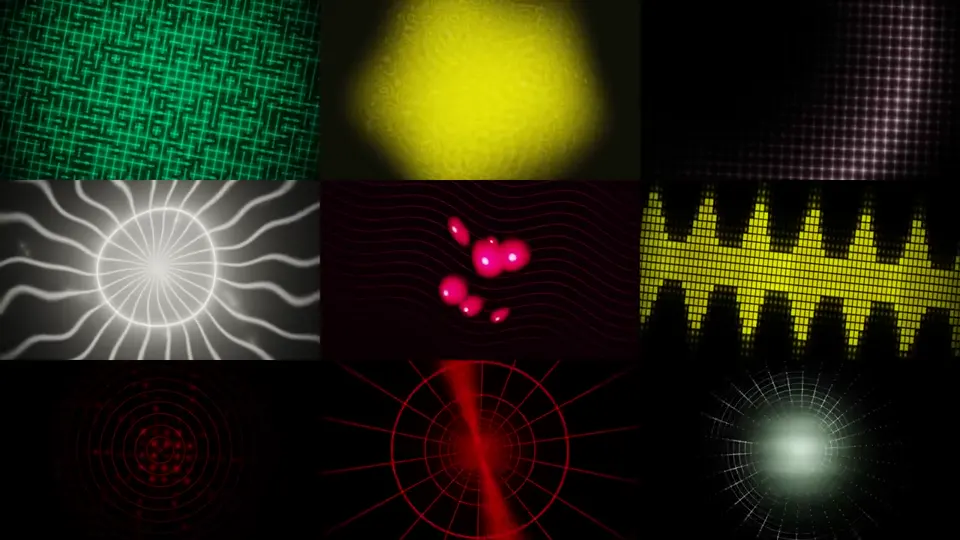
Digital download
Download 6,792 seamless VJ loops & pixel LED effects. 46 visual families, 49 color palettes, 1920×1080 Full HD MP4. Works with Resolume, Madrix, LedEdit, OBS, TouchDesigner & more.
$39 USD
One-time purchase. Applicable taxes are calculated at checkout.
Buy this pack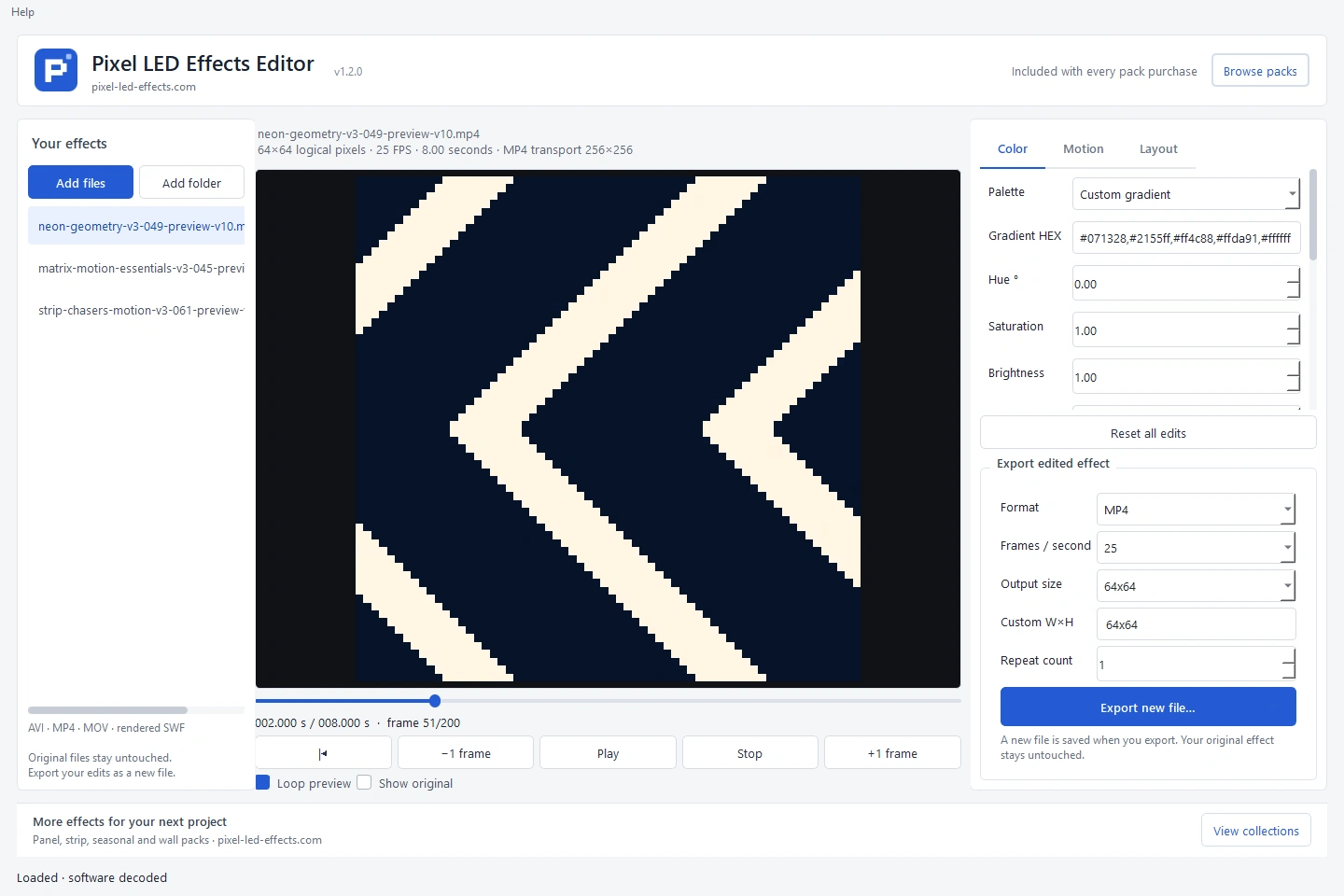 Pixel LED Effects Editorincluded free
Previews
6,792 Full HD video loops for VJ software, LED video walls and live performances.
This original library keeps its existing animation downloads and license. Pixel LED Effects Editor 1.2.0 is now included as a separate free download with your purchase.
6,792 finished, seamless video loops across 46 curated visual families — delivered as ready-to-play MP4 files.
Works with Resolume Arena, Madrix, LedEdit, OBS Studio, TouchDesigner, ArKaos GrandVJ, ProPresenter, QLab, Watchout, Pixera, Synesthesia, HeavyM, and any x264-compatible media player.
Static effect previews are shown above. Animation files are supplied with the collection.
Preview of VJ loops and pixel LED effects included in this pack
This is a finished collection of 6,792 seamless loops designed for LED walls, VJ playback, projection mapping, pixel mapping, stage screens, DJ visuals, EDM festival backdrops, nightclubs, concerts, church visuals, corporate events, and immersive installations.
Every clip is rendered at 1920×1080, 30fps with MP4 / x264 encoding — optimized for small file sizes while keeping strong visual quality.
The pack covers 46 distinct visual families with 49 color palettes, giving you a wide range of looks for any moment in a set.
Each effect and color combination is rendered in three visual tiers so you can build dynamics across your set:
Aurora · Block Matrix Grid · Checker Pulse Grid · Circuit Grid · Corner Sweep Grid · Crystal Shard · Data Rain · Diagonal Scan Grid · Domain Warp · Energy Beam · Equalizer Grid · Equalizer Snake Grid · Escher · Fire · Geometric · Grid Shift · Grid Wave · Hex Flow · Hex Pulse Grid · Hologram · Kaleido Pixel Grid · Kaleidoscope · Kaleido Tunnel · Lattice Zoom · LED Chaser · Liquid Chrome · Mandelbrot · Neon Maze · Neon Rose · Orbital Spheres · Particle Bloom · Perspective Neon Grid · Pixel Orbit Grid · Pixel Rain Grid · Plasma Dot Matrix · Radial Tunnel Grid · Ribbon Scanner Grid · Ripple Pool · Snake Pixel Grid · Spoke Pixel Grid · Starfield · Supernova · Tunnel · Vortex Rings · Waveform Ribbon · Wave Tile Grid
The pack includes broad colorway coverage: clean gradients, cyberpunk, fire, ice, toxic, neon, thermal, vaporwave, solar, magma, plasma, inferno, acid green, neon blue, sunrise, twilight, glitch RGB, and many more.
Grid-oriented looks such as perspective grids, honeycombs, circuits, equalizers, snake paths, pixel rain, scanners, chasers, matrix blocks, orbit rings, and dot-matrix visuals are designed specifically for LED wall readability.
Perfect for LED video walls, LED strips, LED matrix panels, and pixel-mapped installations using Madrix, LedEdit, WLED, Jinx!, Lightjams, or similar tools.
This pack is made for VJs, LED wall operators, event producers, stage designers, motion designers, streamers, DJs, clubs, festivals, churches, theaters, and anyone who needs ready-to-use looping visuals.
Use it with software such as Resolume Arena / Avenue, OBS Studio, ArKaos GrandVJ, TouchDesigner, VDMX, Modul8, Madrix, LedEdit, Pixera, Watchout, Disguise, Lightjams, Jinx!, WLED, xLights, ProPresenter, QLab, PowerPoint, Keynote, After Effects, Premiere Pro, DaVinci Resolve, Final Cut Pro, VLC, and more.
You will receive a download link to the compressed 7z archive.
The archive contains 46 folders, one per visual family. Each folder contains ready-to-play MP4 loops organized by color palette and speed / intensity tier.
Each filename includes useful information such as color map, speed, intensity, and look parameters for easier sorting and selection in your VJ software or file browser.
6,792 ready-to-use loops — drop them in and play.
Need help getting started? We’ve got you covered:
Gumroad delivers the download after purchase. Keep the folder structure when extracting and use the supplied import notes.
Pixel LED Effects Editor is free with every paid pack and bundle. Change colors, choose a gradient, adjust speed and preview your edits before exporting a new file.
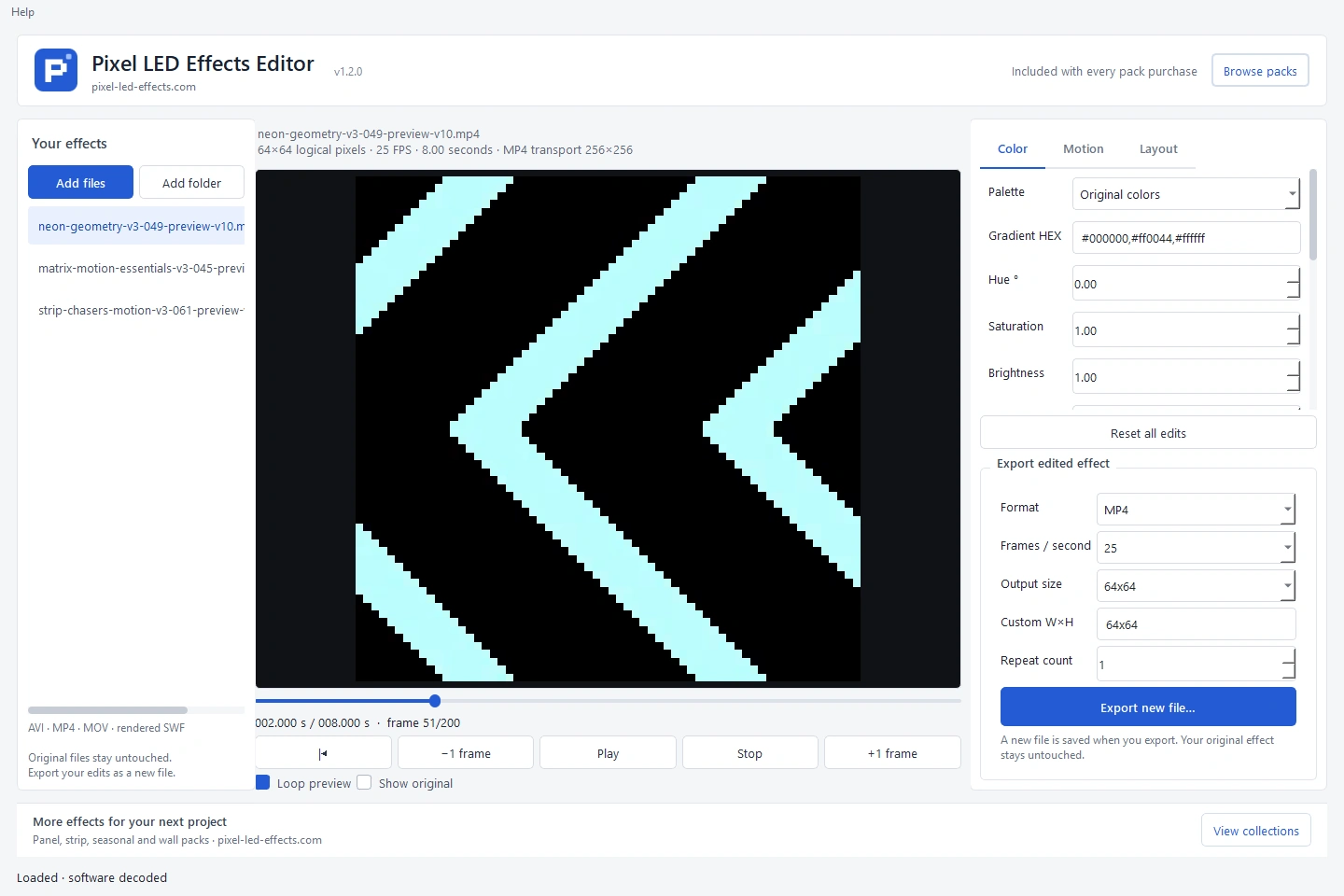 See the editor
The original pack license remains applicable to its animation files. Review that license before using or redistributing any material. The added editor includes its own dependency notices.
Start with the included instructions and installation guides. For help, send the pack name, file, software version and a description of the issue. Contact us
FAQ
Choose a format your software can import. Native pixel AVI preserves LED dimensions; MP4 is suitable for video playback and small LED files may use an expanded transport. SWF needs a compatible rendered-SWF workflow. Wall collections also include MOV.
Every paid pack includes Pixel LED Effects Editor free. It offers 32 palettes, grayscale, custom gradients, speed and layout controls. Original packs provide the app as a separate download.
These are animation files, not controller programs or ready-to-use SD-card data. Import, mapping, pixel order and controller export depend on your software and hardware. Try the free mini pack first.
Gumroad provides the download after checkout. Extract the ZIPs and read the pack instructions. Applicable taxes are shown during checkout. The current Gumroad products use a No refunds policy; review the product details before purchase.
Check the license for your chosen pack. New collections allow commercial shows, client installations and modification for those uses. Redistributing or reselling their original or modified animation files as an asset library is prohibited. Original packs retain their own licenses.
Save $94 vs $243 separately
9 collections with 590 distinct designs.
70 motion loops for LED walls in Full HD and square.
Readable movement for real LED matrices.